One match can still be the wrong match
A monitor appears to report a plan falling from $29 to $9. The page loaded, the selector found one price and the extracted text looks valid. The apparent discount comes from a different cause: the first two plans swapped places.
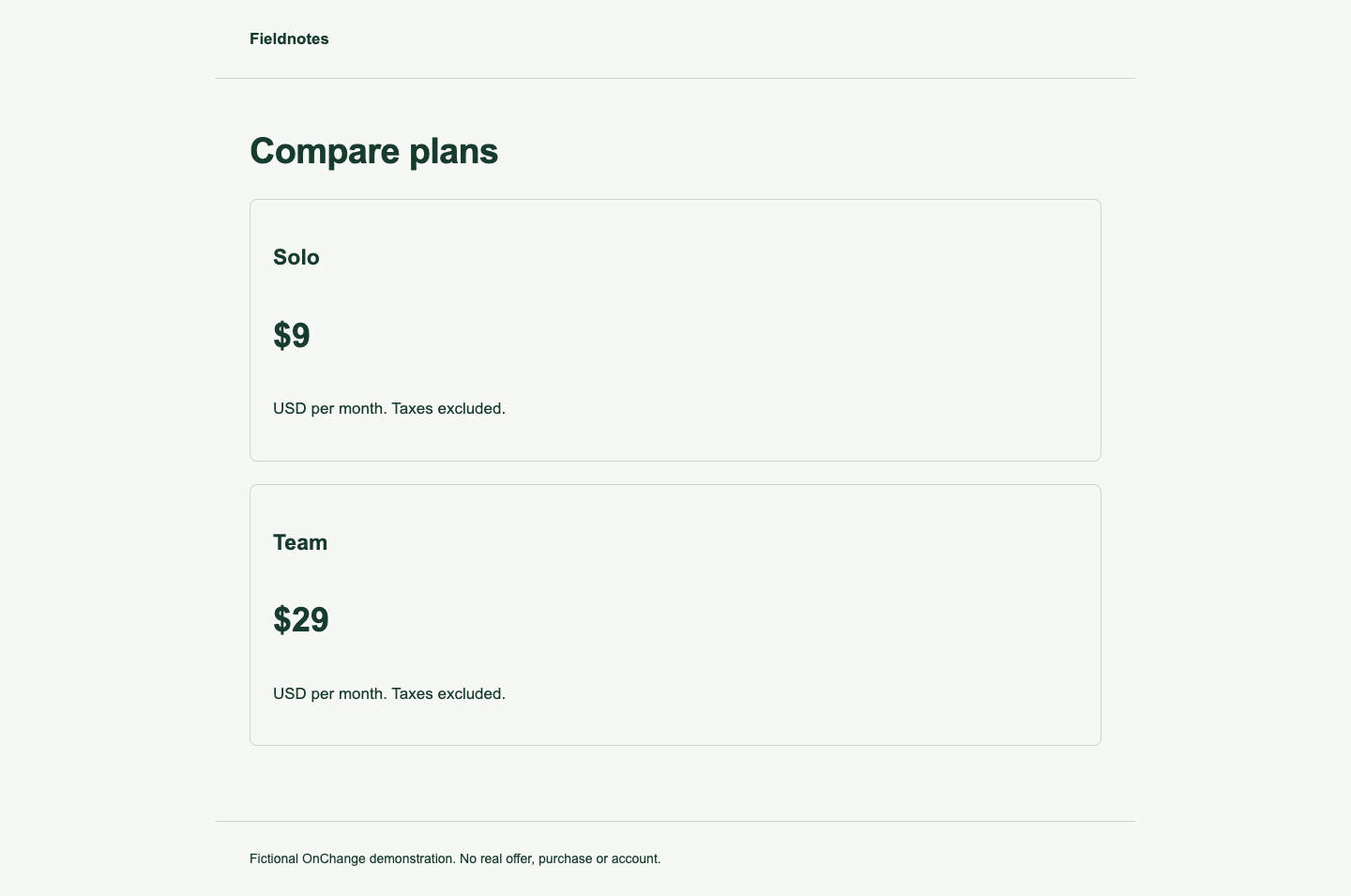
In this fictional Fieldnotes example, Team remains $29 per month and Solo remains $9 per month. The before page lists Team first. The reordered page lists Solo first. A third fixture removes Team altogether, so we can inspect a missing subject separately from a reordered subject.
Compare position with identity
Scroll horizontally to see all columns.
| Page state | First item's price | Team's price | Team matches |
|---|---|---|---|
| Team first | $29 | $29 | 1 |
| Solo first | $9 | $29 | 1 |
| Team removed | $9 | No value | 0 |
The positional selector is:
.products > li:nth-child(1) .price
The identity selector in these authored fixtures is:
[data-product="team"] .price
The first selector follows a location. The second follows the attribute value that this example deliberately keeps stable. Both are valid CSS. Only the second answers “What happened to the Team price?” after the reorder.
Validate the subject before the amount
An extraction record should make the subject inspectable. Save the page URL, plan or product identifier, selected label, variant, currency, billing period and extraction time with the amount. Comparing two numbers without this context can create a plausible but incorrect story.
On a site you control, a stable identifier can make monitoring and testing easier. On a third-party page, an attribute may change without notice or may identify a presentation component rather than a product. Inspect it across representative states before relying on it. A class generated during a build is not automatically a durable product identifier.
The MDN description of :nth-child() explains its relationship to sibling position. Attribute selectors match attribute names or values; they cannot make an unstable value stable.
Give zero and multiple matches explicit outcomes
Zero matches require investigation: removal, a redesign, a loading failure and a changed identifier are different explanations. Preserve “missing target” instead of converting it to zero dollars or carrying the previous amount forward as a fresh observation.
Multiple matches require a disambiguation rule. Desktop and mobile markup may both exist in the DOM. A listing and a sticky summary may repeat the same price. Choosing the first match can hide that ambiguity. Confirm whether the intended subject is unique in the captured state, and record why a broader match is acceptable if the task calls for one.
This example intentionally tests a unique Team identifier and a zero-match state. It does not demonstrate every duplicate-markup pattern.
Reproduce the extraction
Inspect the original order, reordered plans and removed Team plan. The results JSON records both selectors, every match count and all extracted values at desktop and mobile widths.
The downloadable kit runs the same extraction against local fixtures. After installing its pinned dependencies, run node scripts/capture-monitoring-lab.mjs. Its assertions verify that Team stays $29 after reordering and that removing Team produces zero identity matches.
Turn the observation into a review
Treat the $29-to-$9 positional result as a subject-selection problem. Confirm the correct subject, correct the selector if needed and inspect any intervening observations before interpreting a trend. Preserve the original record and the reason for the correction.
The experiment uses static authored pages in Chrome at 1440 and 390 CSS pixels. It does not establish that any particular third-party attribute is reliable, that client-side loading has completed on an arbitrary site, or that a matching price is available to every region or customer.
Use the CSS selector guide for the wider setup process and the product-variant guide when region, size, currency or purchase terms can change the subject.